

Library
The mission of Bermuda College Library is to successfully facilitate and support the learning and teaching functions of the students and faculty of Bermuda College through the following methods:
- Provide access to accurate, timely, and relevant information and research sources;
- Teach research skills on how to gather traditional and technological resources;
- Promote the Library as a vital complementary component of academic success; and
- Collaborate with faculty to ensure student success.
The skilled Librarians and Staff are able to guide students' research or meet other needs for information gathering, study, or recreational reading at the Library. Whenever you visit the Bermuda College campus, be sure to find the Library in the building with the Clocktower!
The Bermuda Natural History Library
The Natural History Library is a repository for all information related to Bermuda’s biodiversity, ecology, habitats and species. Books, journals, scientific papers, and newspaper stories relevant to Bermuda are published on a daily basis. It is the library’s role to capture this information, store and make it available to the public.
Feedback
The library is always looking for feedback. Feel free to fill out the feedback form to let us know your thoughts.
Do you need help at the Library?
Book an appointment with Tess Spencer, Library Technician.
Book an appointment with Rehana Packwood, Digital Media Tech.
What our library offers
Find Library Services
Working on a research paper or collaborating on a group project? The Library provides the resources and support you need to excel. Our collections include books covering a wide range of academic subjects, as well as journals, newspapers, and magazines ensuring you have access to credible sources for any assignment.
Whether you're conducting in-depth research or simply enjoying casual reading, the library offers the resources and environment you need. For those seeking a quiet, focused space, private study rooms are available. Reserve yours by using the Private Study Room Request Form.
Unsure where to begin your research? Our friendly librarians and technicians are here to guide you: helping you navigate databases, locate materials, and develop effective research strategies.
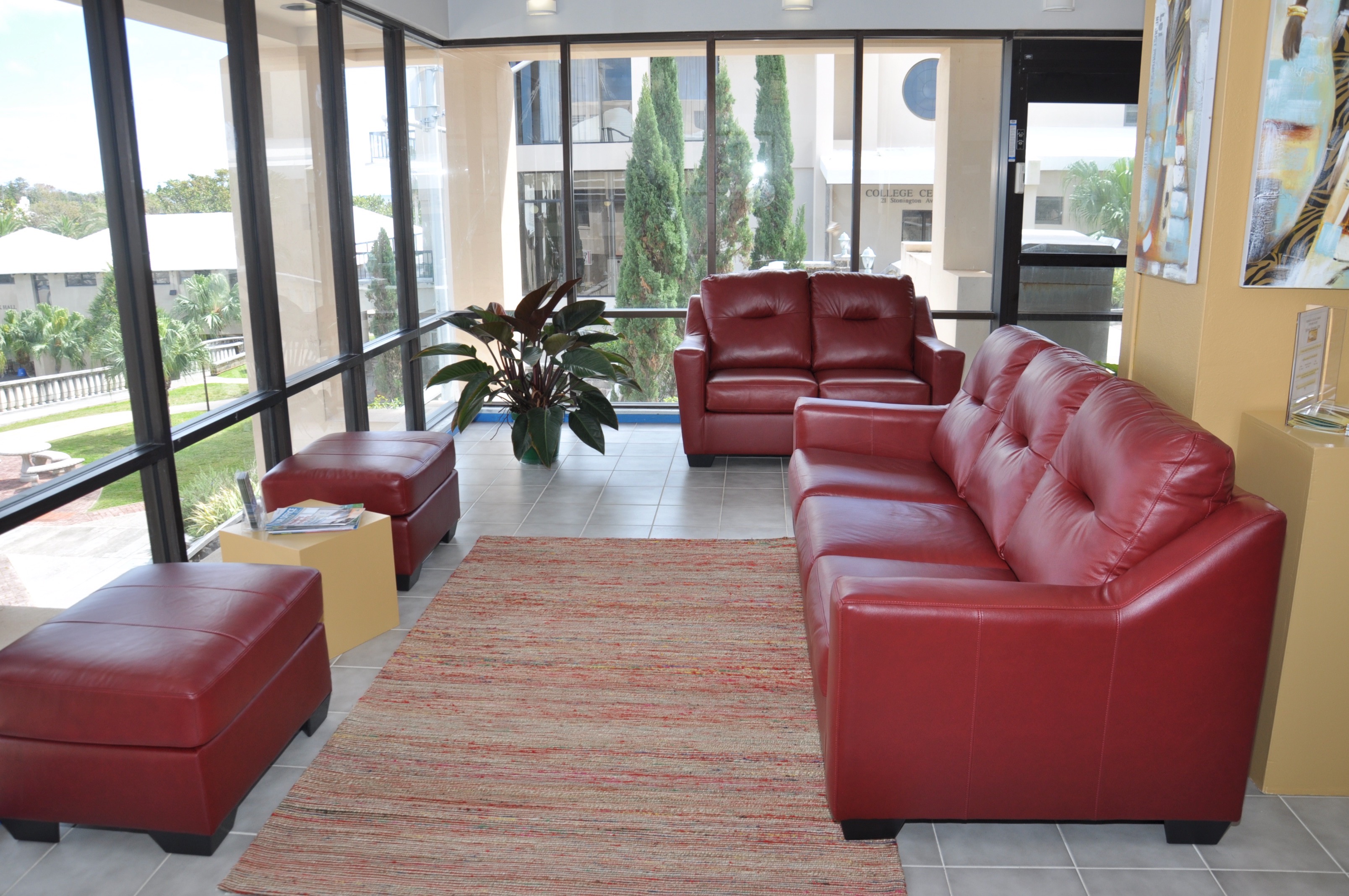
From spacious study tables and group rooms to online journal access and popular reading materials, the Library serves as the academic hub of campus, offering resources for every interest and need. Make the most of your academic journey and visit us often!

Library Hours
Phone: 441-239-4033
August 17 - August 28
Mid-Term Break: October 22
August 31 - December 15
December 16 - December 22
December 23
Special Events & Holidays
Library Closed
Cafe Hours - Employees Only
Public Holidays
Library Online Resources
Bermuda College's collection of online resources provides relevant and timely research and reference systems accessible 24 hours a day, 7 days a week. Bermuda College students, staff, and faculty can find the necessary passwords to access the following collections by asking at the Circulation desk in the Library. Library members may also use these systems; just ask at the Circulation Desk.